
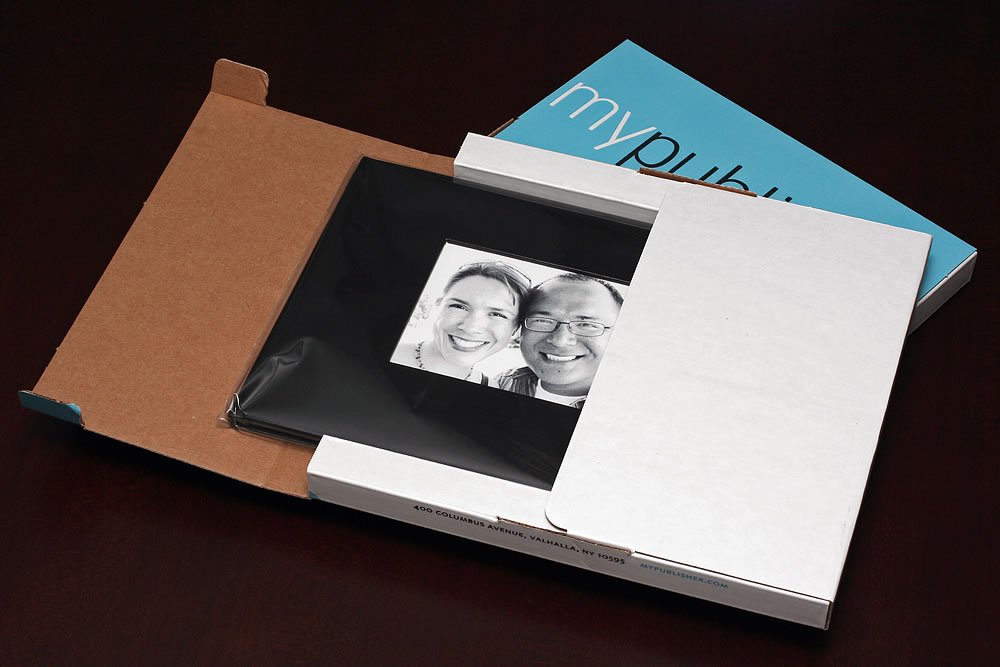

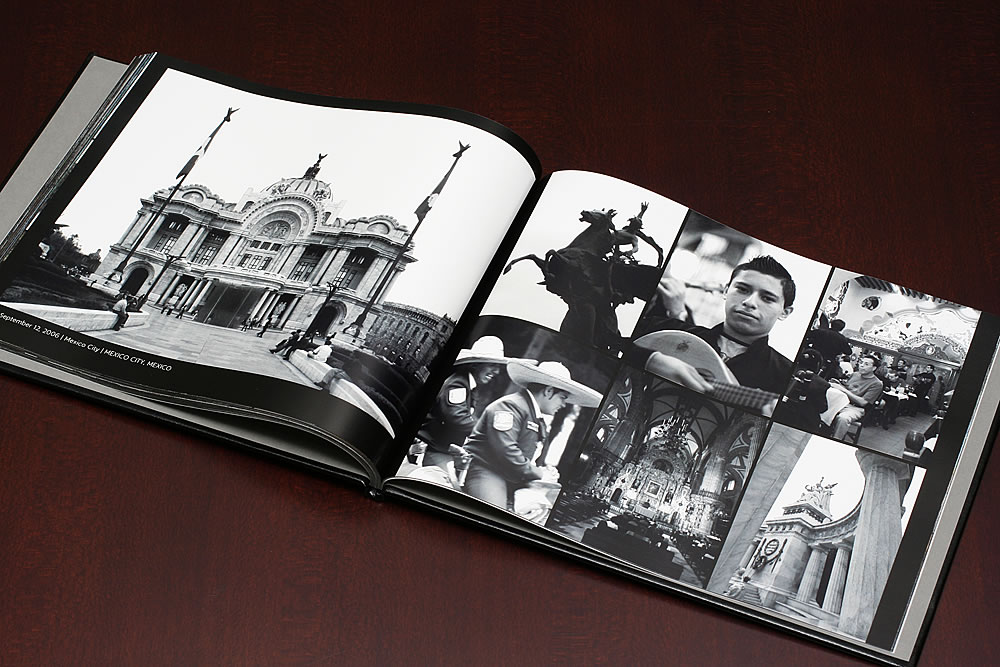
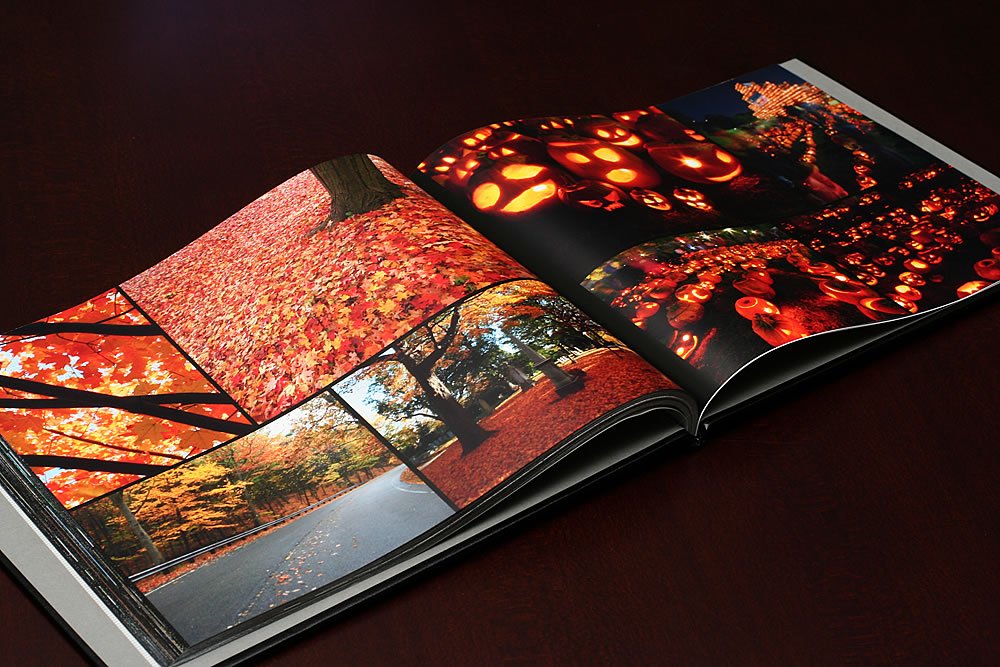
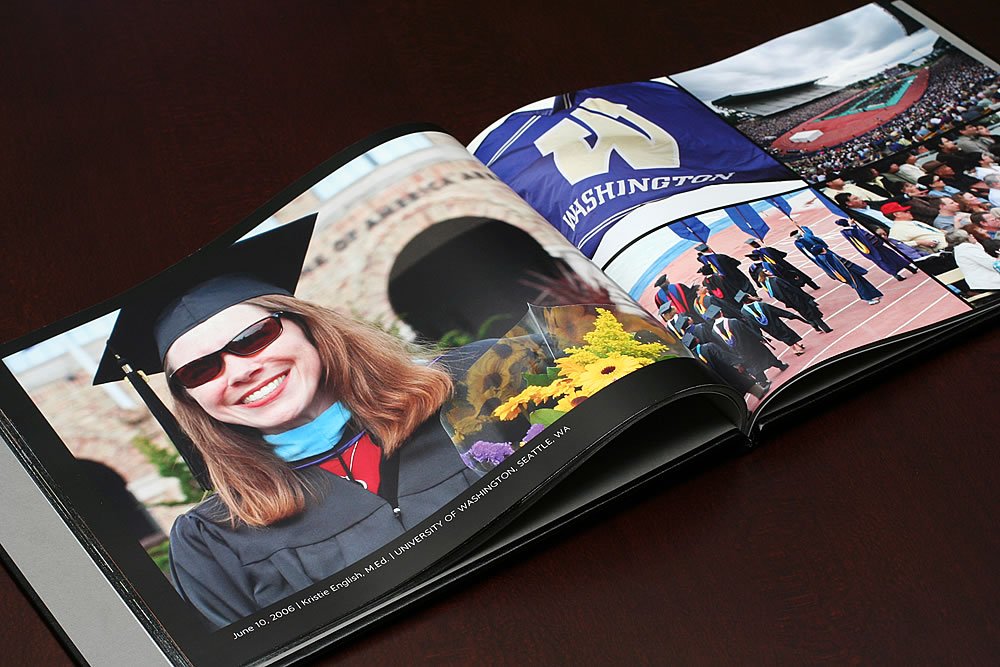
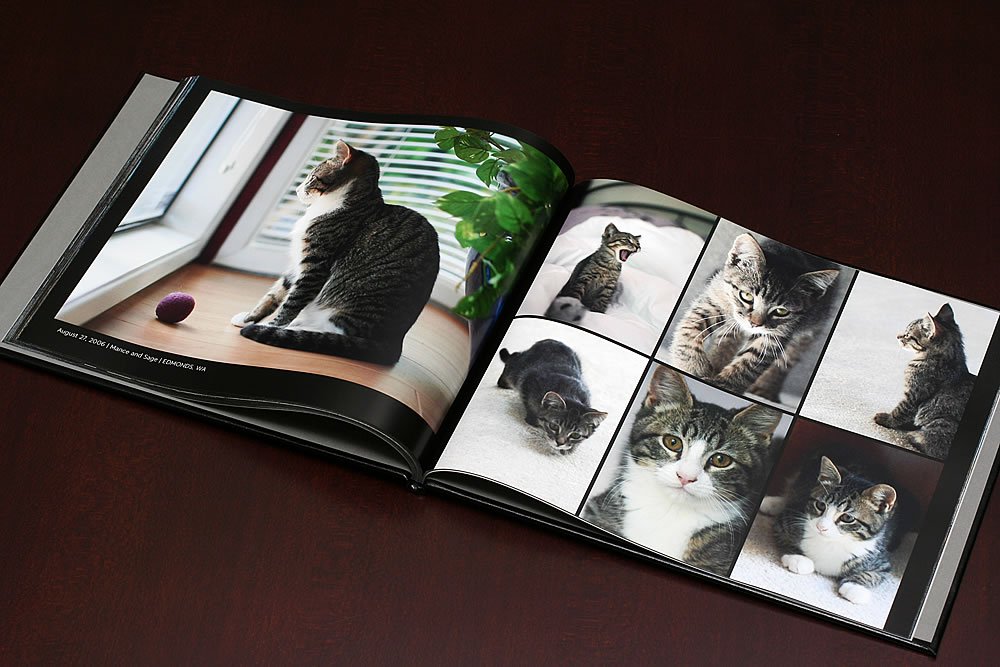
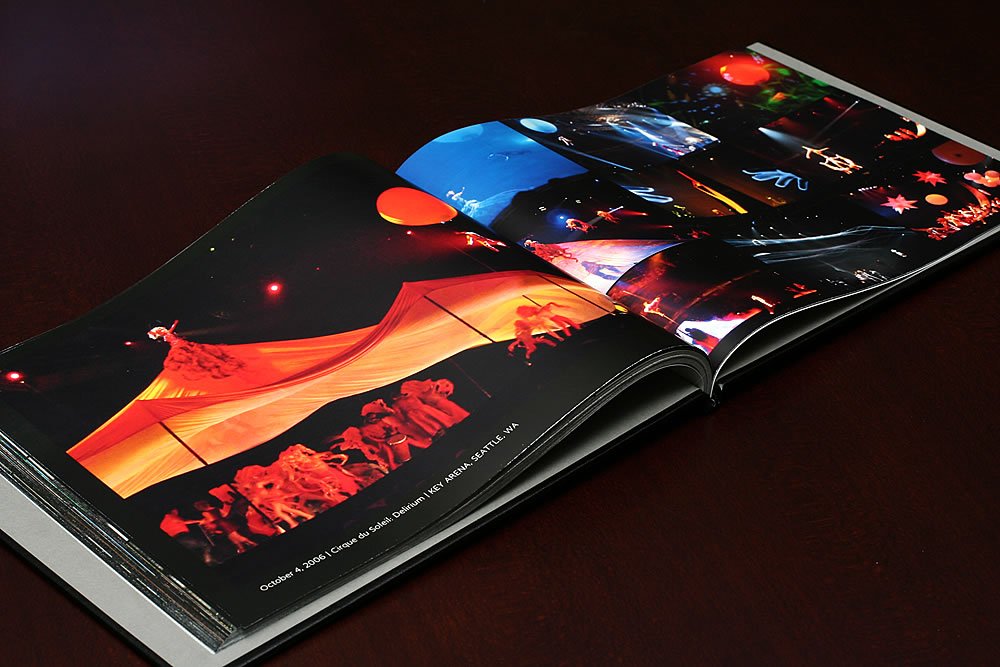
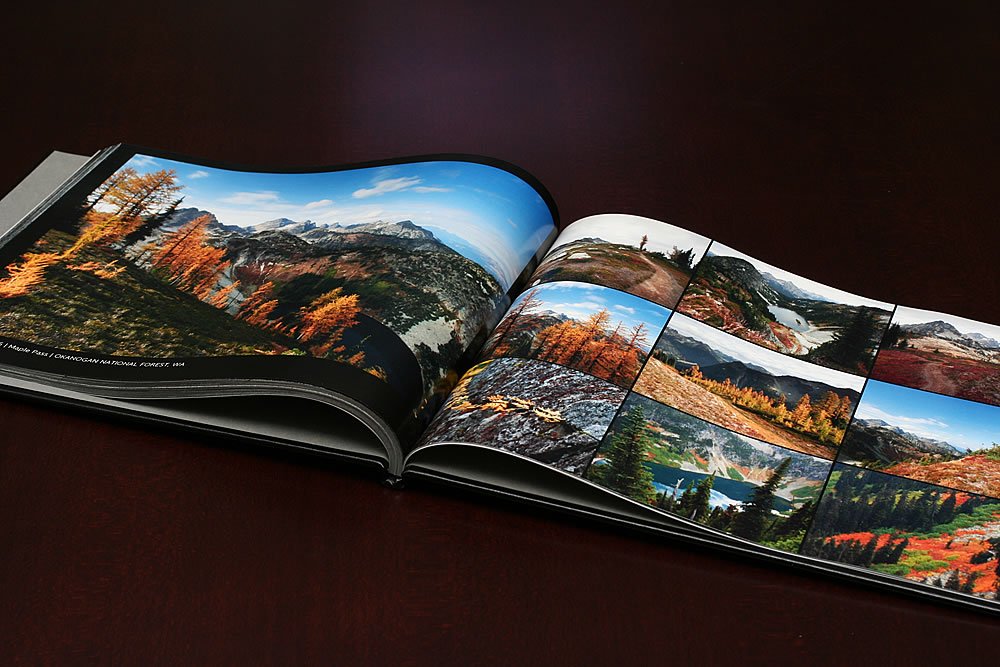
EDMONDS, WA :: Just in time for the holidays, I created another photo album to capture and share some of the milestones and events Kristie and I experienced in 2006. Like last year, I used MyPublisher to compose and print the album. The updated software offered several improved layouts, background colors and other new options. Again, we were very impressed by the quality of the books and the quick turnaround. They arrived just a few days after ordering in neat, durable packaging. We used the Costco discount (20% off) and had a couple extra copies made to give as gifts.








Nice!
Actually, I remembered your book from last year, so I used the Mac to put together the same for the trip to Germany I took with my folks as a Christmas present to them. Got a copy for myself as well.
Hey John! Is your album book for Sale? Just Kidding! 😉 you have some great pictures in there. Nice work. I think I will try that next year.
Hi – I found your site after searching for “MyPublisher” on Technorati. I have a big problem with MyPublisher. I designed and ordered a bunch of albums, all using 300 dpi versions of the wedding photos that our professional wedding photographer took with a Canon EOS-1D Mark II. We ordered the classic hardcover. It turned out HORRIBLY.
The pictures were all blurred, you could see the streak lines from the printer which appeared to be an inkjet (like the kind we have at home), some pictures were distorted, some had visible pixels… in short, the book is an embarrassment and I can’t bring myself to give it to my parents for Christmas anymore.
On the other hand, your book looks AWESOME. How did it turn out so well? What type of book did you order, and what specifications did you use? The first time I complained, MyPublisher told me to use between 180 and 200 dpi, and megapixels bewteen 2.0 and 6.0 for the best results. Now that I’m trying to use their specs, the Bookmaker program marks my full-bleed pages as being too low in resolution (AFTER I scaled them from 300 to 200 dpi to try to comply with their specs).
Anyway, you can probably tell I’m frustrated. Even Costco prints look 100x better. Any advice you can provide would be very helpful. Thanks!
Hi Chanlee,
My source images were JPEGs from my Rebel XT and Elph cameras. They’re either 8.0 megapixels (3456 x 2304) or 5.0 megapixels (2592 x 1944) and I never made any adjustments to the dpi (72, I assume). I cropped and adjusted the images in Photoshop, saving them again as super-high quality JPEGs (Setting 12). I then included them in the book via the software and then prior to upload, MyPublisher said it was resizing and compressing the original images to reduce the transfer time. I also ordered the Classic hardcovers for both years.
I’m guessing your problem was caused by the custom dpi settings. I could be way off, but maybe the MyPublisher software isn’t capable of making smooth dpi adjustments to images that are anything other than 72 dpi. You may also be enlarging your images if you increase your dpi, thus causing scaling artifacts and pixelation. Keep your images at their native dpi. You shouldn’t need to be concerned about the image dimensions or the dpi at all – the MyPublisher software will take care of that for you. It’ll make things easier and your images should turn out just fine.
I hope that helps!
John
Based on your book from last year I did two this year – the small sized one of family pictures from Thanksgiving and the Classic Hardcover of our trip to Glacier National Park.
The results turned out great. Thanks for showcasing yours on your web site.
Thanks,Brian
Wow John! This book is even better than the last!I can’t help but wonder where you get all these great ideas.
As I look through your photos I always think that they are on par with the best stock photos I’ve ever purchased or seen… Have you thought about putting them for sale on iStockPhoto?… I’d buy them!